
FinanceDash
Your personal finance command center. Track spending, manage budgets, and plan your financial future — all in one place.
*Pro bank sync requires a secure server connection. Your financial data remains on your device.
Add Your Data
Import CSV files from your bank, or sync accounts automatically with the desktop app.
See the Big Picture
Dashboard with charts, budgets, spending trends, and net worth tracking.
Make Smart Decisions
Budget alerts, recurring payment detection, and AI-powered insights on desktop.
Everything You Need
A complete personal finance toolkit, from daily tracking to long-term planning.
Dashboard & Analytics Web + Desktop
Real-time overview of income, expenses, net worth, and spending trends with interactive charts.
Budget Tracking Web + Desktop
Set category spending limits, get visual progress bars and alerts when you're approaching your cap.
Bank Sync Pro Desktop Only
Connect 12,000+ financial institutions via Plaid and Akoya for automatic transaction import. Requires the desktop app for added security.
Investment Tracking Pro Desktop Only
Monitor portfolio holdings, asset allocation, and performance across all your brokerage accounts.
AI Financial Assistant Desktop
Chat with AI about your finances using your preferred provider — Claude, GPT, Gemini, Grok, Mistral, DeepSeek, or local Ollama. Your API key never leaves your machine.
CSV Import & Export Web + Desktop
Bulk import transactions from any bank's CSV export. Export your data anytime — you own it.
Data Protection Desktop Only
All data encrypted at rest using industry-standard encryption. Only your user account can access it.
Savings Goals Web + Desktop
Set savings targets and track progress. Desktop Pro users can auto-track from linked bank accounts.
See It in Action
A complete financial command center, right on your desktop.
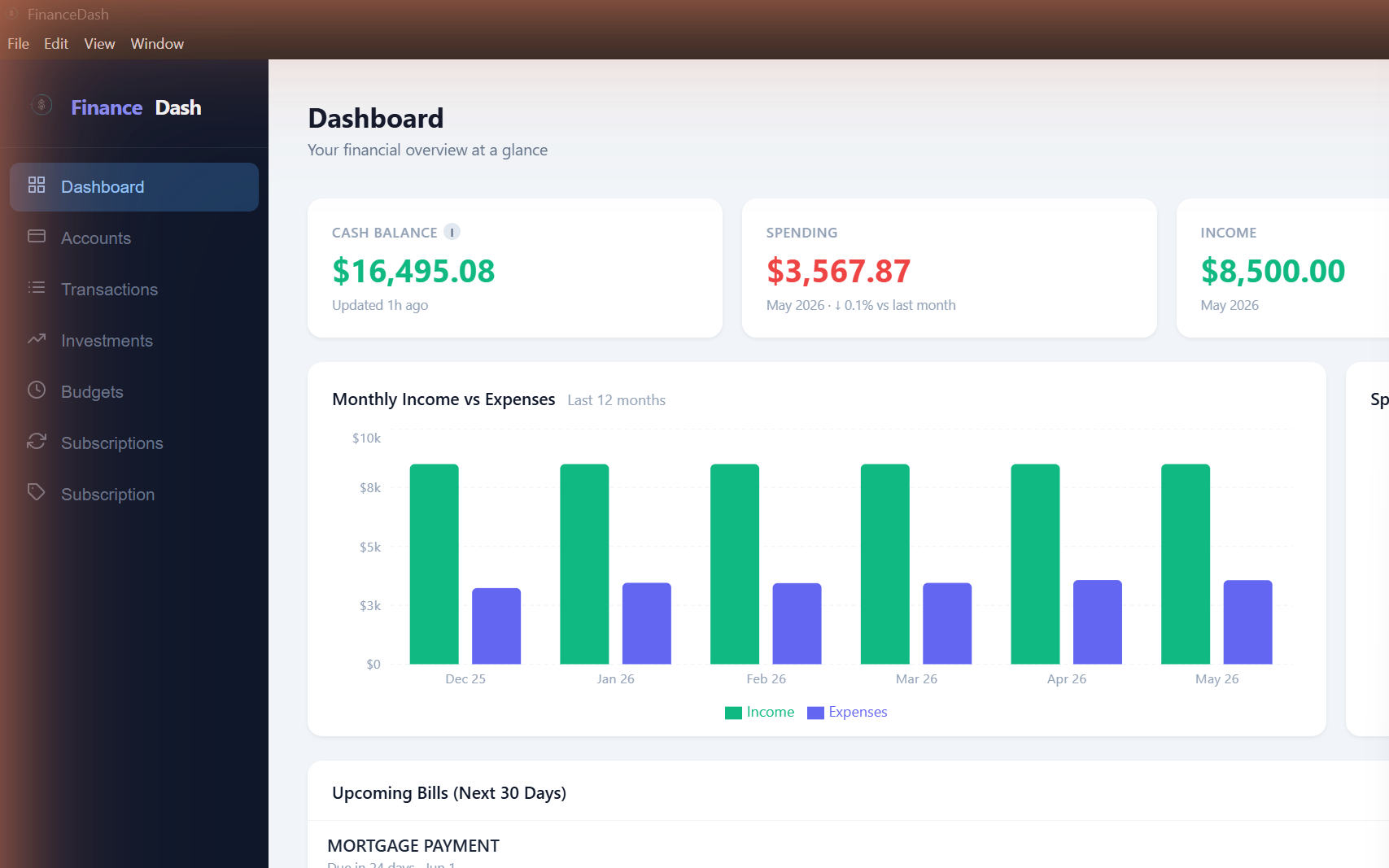
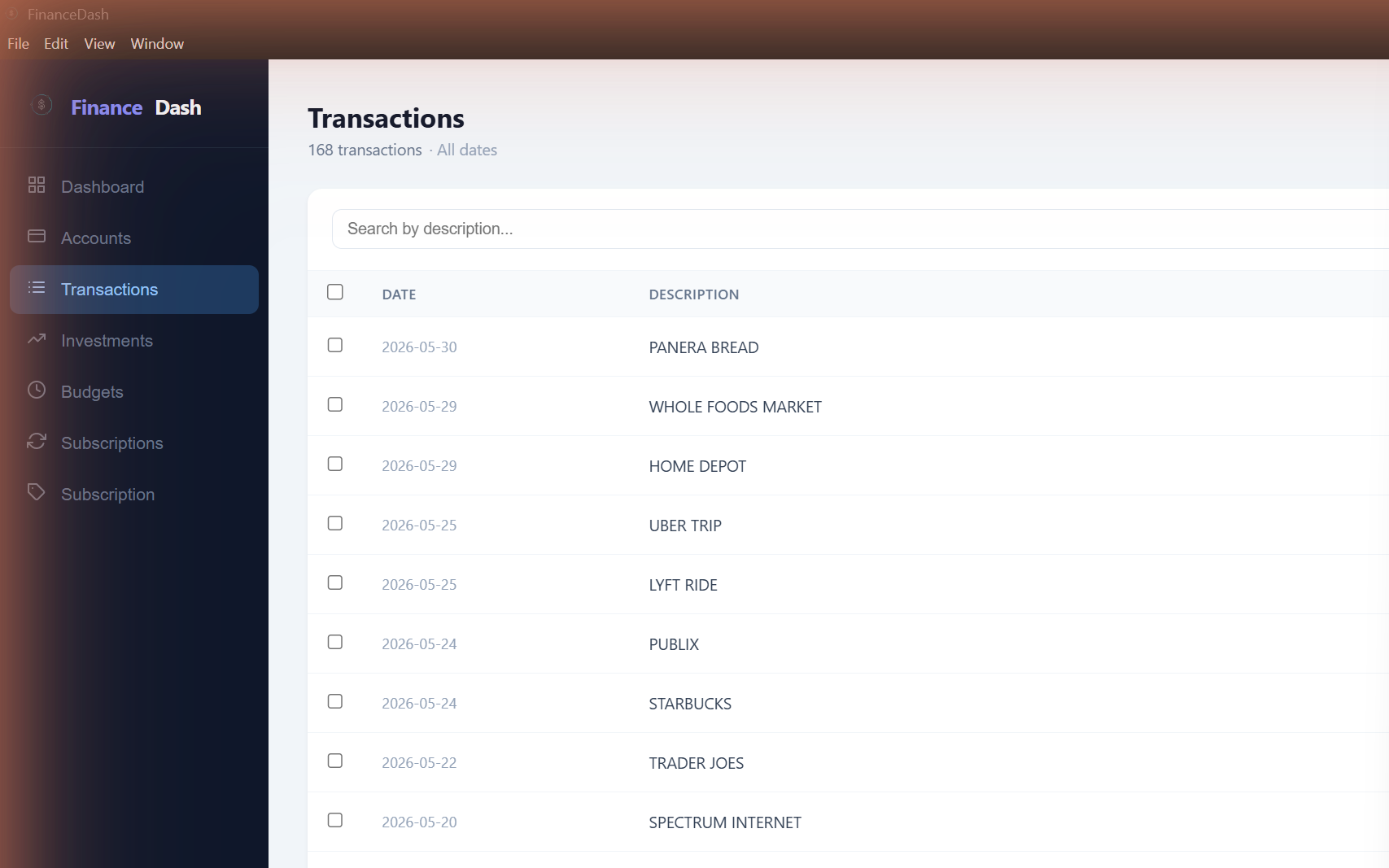
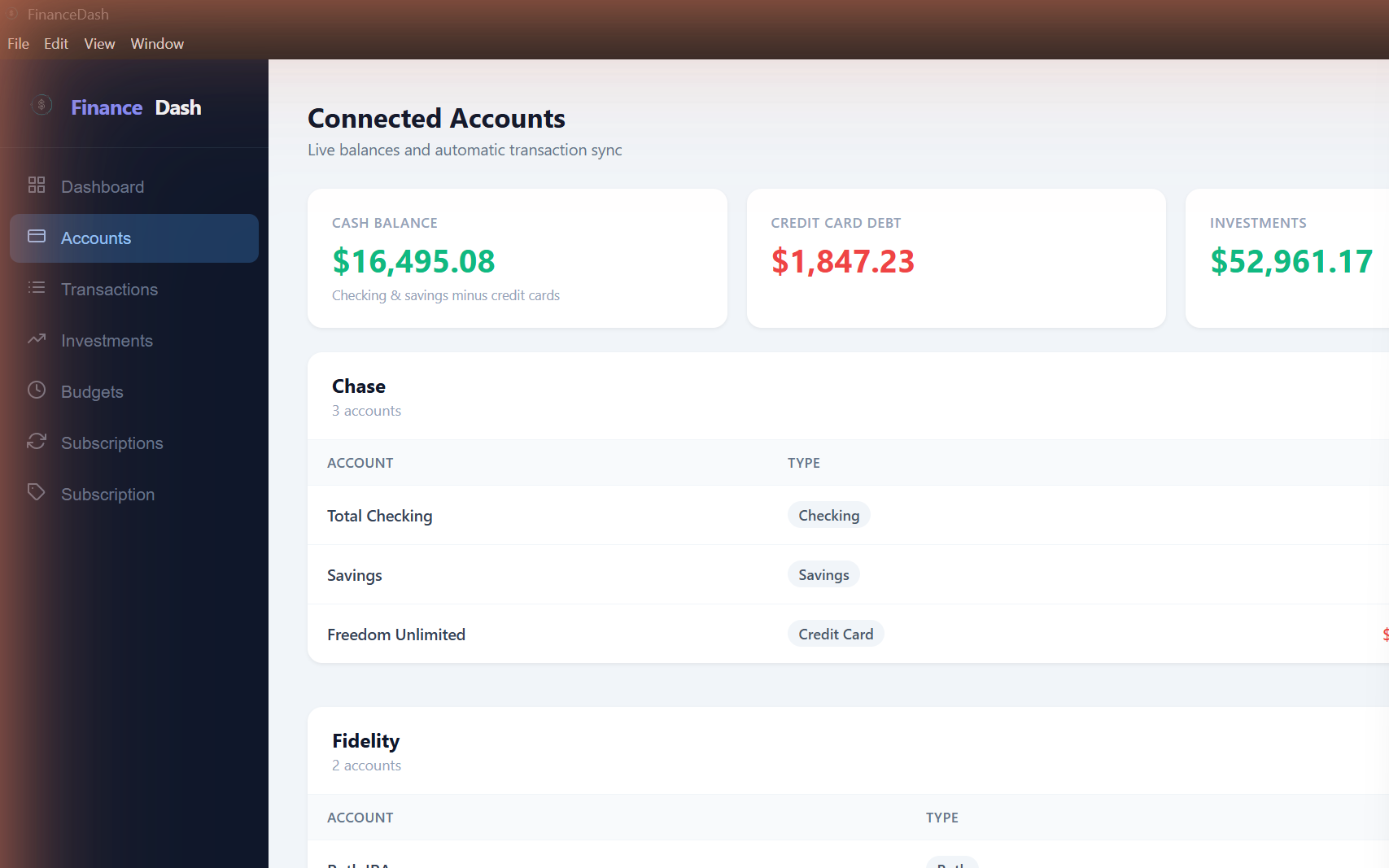
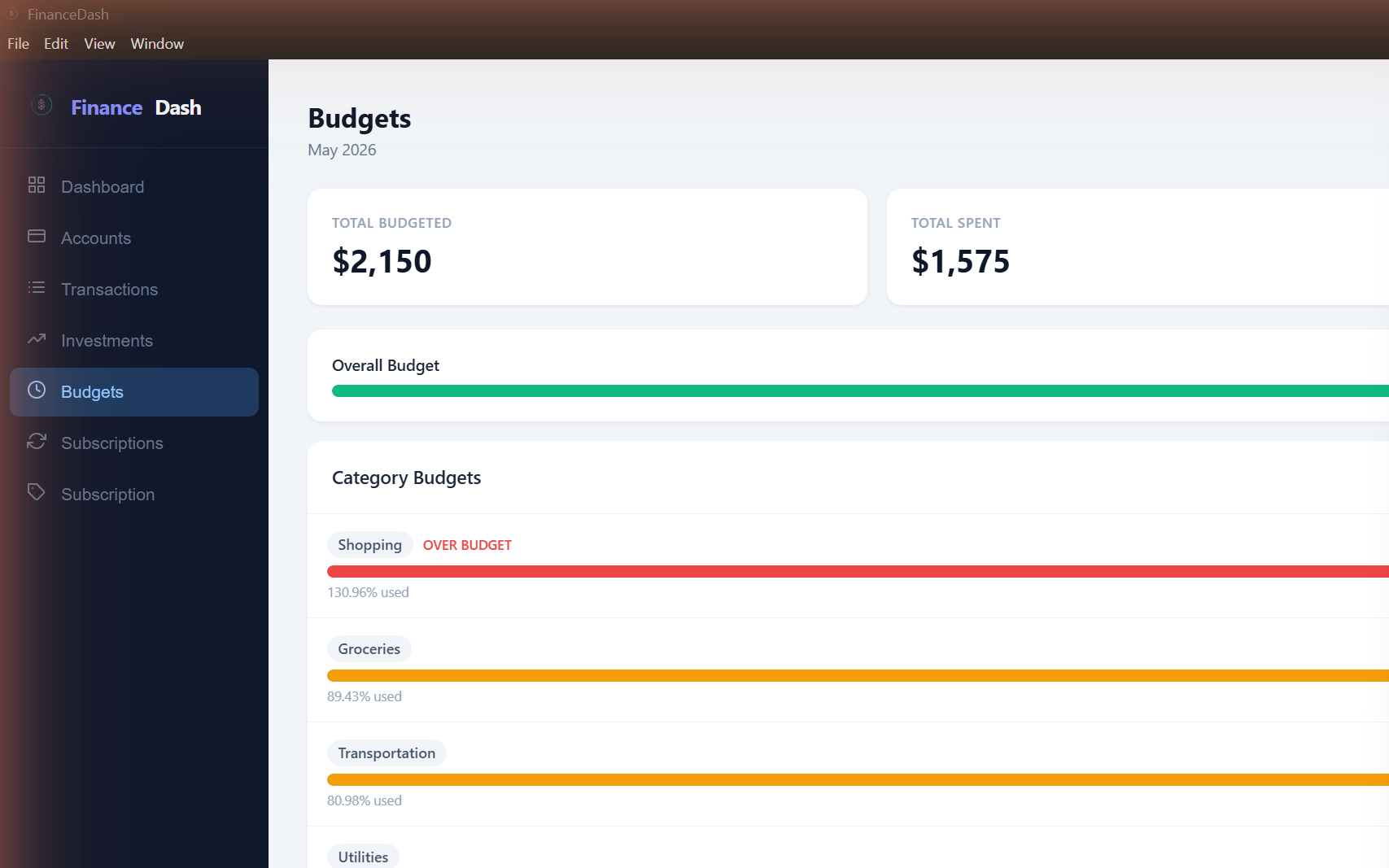
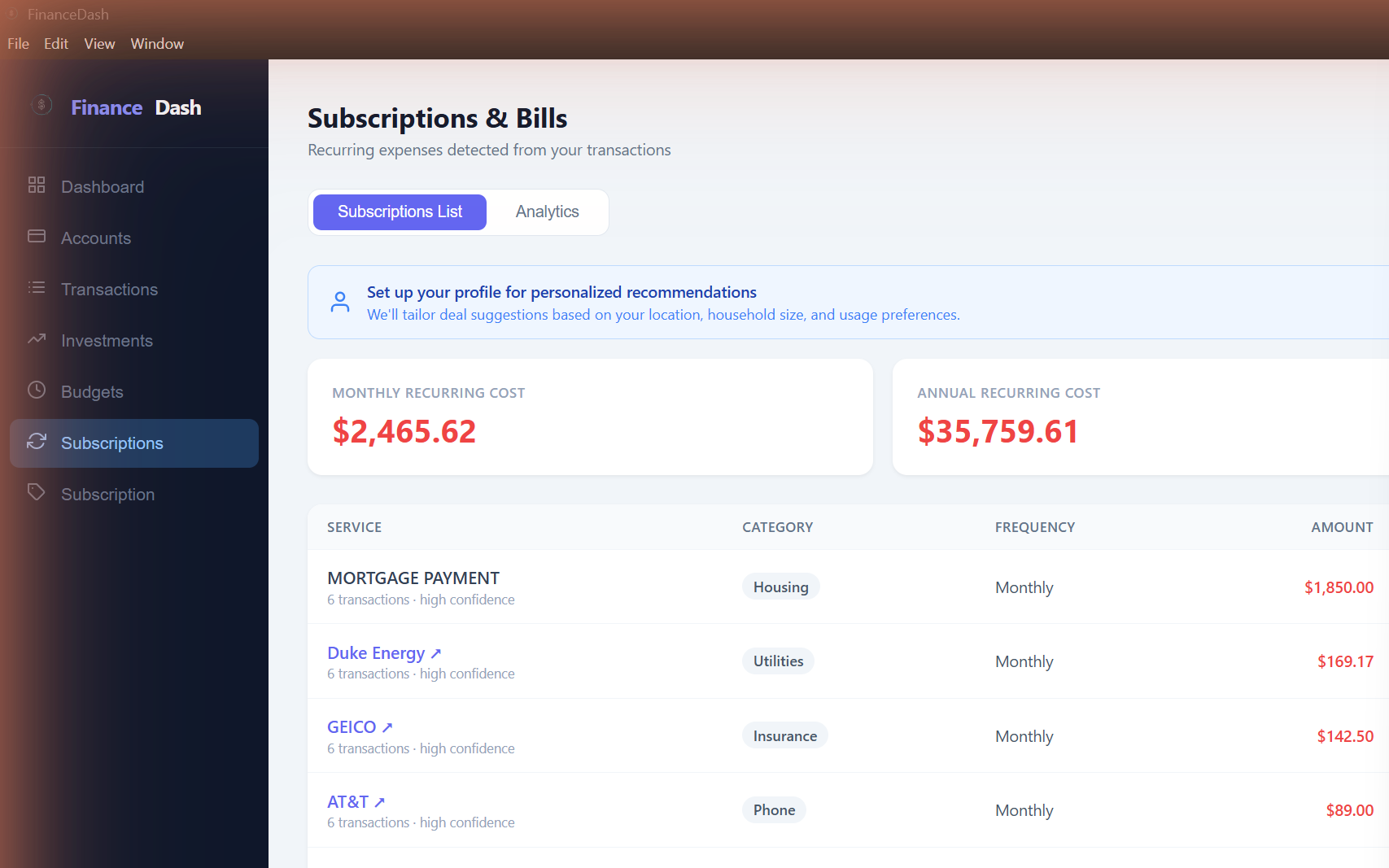
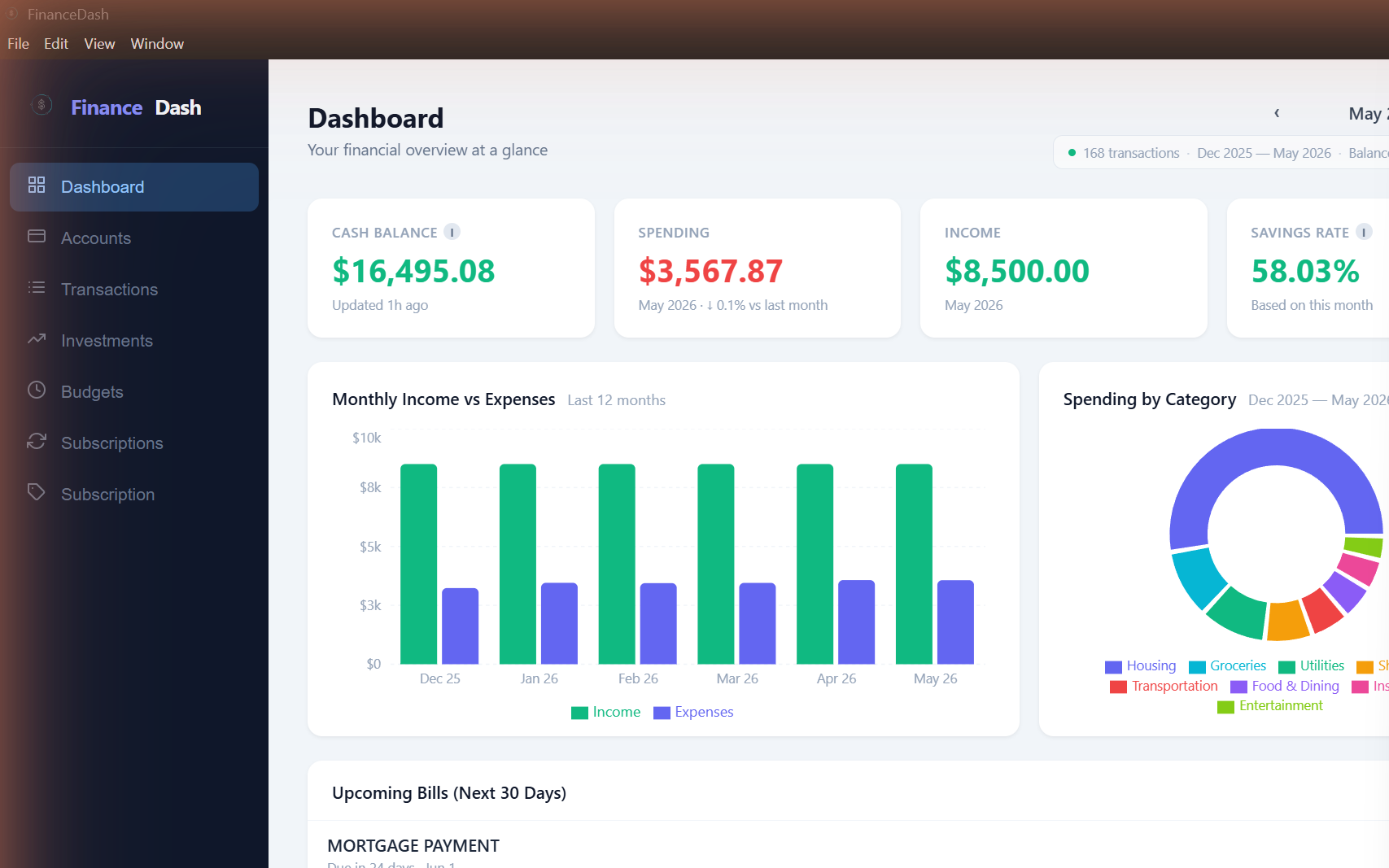
Desktop app shown with demo data. Your data is encrypted and stored locally.
How It Works
Get started in under a minute. No account required — web or desktop.
Launch the web app or download
The web version works instantly in your browser. No signup, no account — just open and go.
Import your transactions
Drag and drop a CSV from your bank. Desktop Pro users can also connect accounts directly for automatic sync.
Set budgets and categorize
Create budgets per category. Transactions are auto-categorized — or customize them yourself.
Get insights and track progress
Spot trends, stay on top of recurring payments, and get personalized AI analysis in the desktop app.
Choose Your Experience
Start in the browser for free. Download the desktop app for encryption, AI chat, and bank sync.
| Web AppFree — browser | Desktop AppFree — download | Desktop Pro$4.99/mo | |
|---|---|---|---|
| Dashboard & analytics | ✓ | ✓ | ✓ |
| Budget tracking & alerts | ✓ | ✓ | ✓ |
| CSV import & export | ✓ | ✓ | ✓ |
| Savings goals | ✓ | ✓ | ✓ |
| Recurring payment detection | ✓ | ✓ | ✓ |
| Encryption at rest | — | ✓ | ✓ |
| AI financial assistant | — | ✓ | ✓ |
| Secure API key storage | — | ✓ | ✓ |
| Protected file storage | — | ✓ | ✓ |
| Bank sync (12,000+ institutions) | — | — | ✓ |
| Investment portfolio tracking | — | — | ✓ |
| Auto-track savings from accounts | — | — | ✓ |
| Spending & price-change alerts | — | — | ✓ |
| Priority support | — | — | ✓ |
| Data storage | Browser storage Standard browser security |
Local encrypted file Industry-standard encryption |
Local encrypted file Industry-standard encryption |
Pro is $4.99/mo, unlocked inside the desktop app. Cancel anytime.
Download FinanceDash
The desktop app is free. Pro features unlock with an active subscription.
Loading version… · Not signed — you may see a security prompt on first launch. Try the web app instead.
Frequently Asked Questions
Is my financial data secure?
Security is a core priority. The desktop app encrypts all data at rest using industry-standard encryption. Only your user account can access your data, and your financial information never leaves your device.
The web app stores data locally in your browser — it stays on your machine and is never sent to our servers, but browsers have inherent security limitations. This is why we intentionally limit sensitive features to the desktop app, where stronger protections are available.
All communication between the app and our servers is encrypted in transit, and our server enforces strict access controls.
What AI providers are supported?
The AI financial assistant is available in the desktop app and supports multiple providers: Anthropic Claude, OpenAI GPT, Google Gemini, Grok, Mistral, DeepSeek, and local models via Ollama. You bring your own API key — your key is stored securely on your machine and never sent to our servers. AI conversations include a summary of your financial data sent directly to your chosen provider.
Can I use it without connecting my bank?
Absolutely. CSV import and manual transaction entry work great for most people. Download your transactions from your bank's website as a CSV, drag and drop into FinanceDash, and you're set. Bank sync is a Pro convenience feature, not a requirement.
What's the difference between web and desktop?
Both versions are free and include the core features: transactions, budgets, savings goals, charts, CSV import/export, and subscription tracking.
We intentionally limit certain features to the desktop app because browsers have inherent security limitations that aren't suitable for sensitive financial operations. The desktop app provides stronger data protection that isn't possible inside a browser. This isn't a marketing upsell — it's a deliberate design choice to keep your data safe.
Because of this, features that handle sensitive credentials — like bank sync, AI chat, and investment tracking — are desktop only. A Pro subscription ($4.99/mo) unlocks bank sync via Plaid and Akoya, investment portfolio tracking, auto-tracked savings goals, spending alerts, and priority support.
How do I cancel Pro?
You can cancel anytime through the Stripe customer portal — accessible from the Subscription page in the app. Your Pro features remain active until the end of your current billing period. Your data is always yours and can be exported at any time.
Ready to take control of your finances?
Start tracking your spending, set budgets, and see where your money goes — completely free.